Order status
Your Binance order expired but you never cancelled it: what happens when your own buy and sell orders meet
Self-trade prevention is one reason a resting order expires. Under the default EXPIRE_MAKER mode the old order's remainder ends, so check the expiry reason before you place anything new.
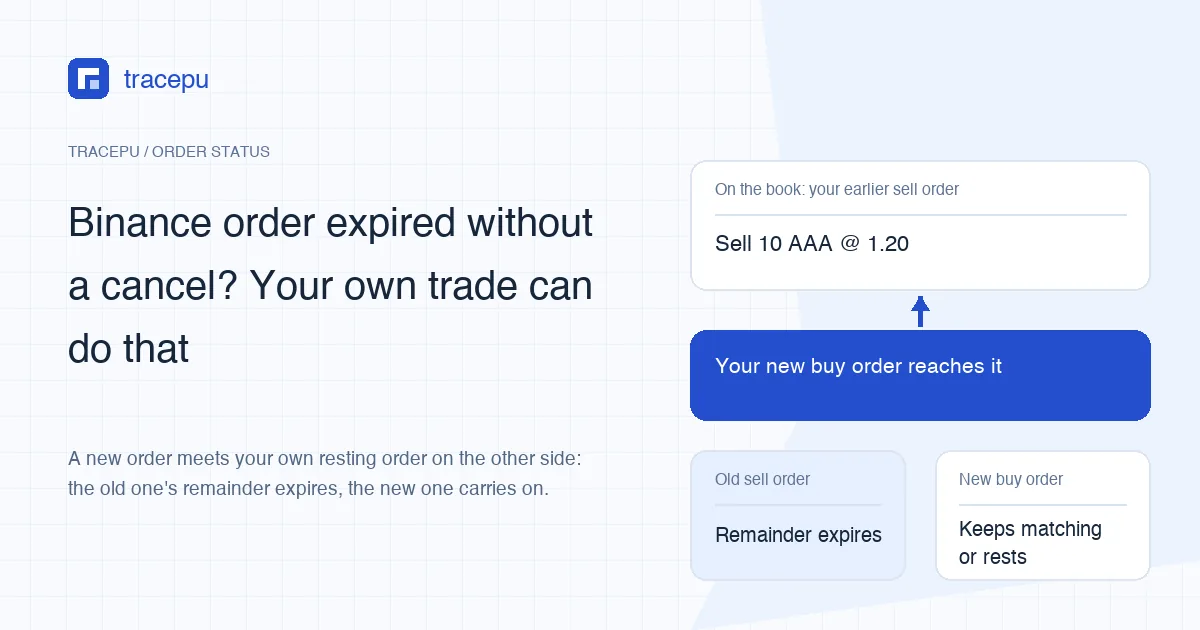
If a Binance limit order says Expired and you never pressed Cancel, one possible cause is self-trade prevention (STP): the exchange stopped your own buy order and your own sell order from trading with each other. A typical case is an old sell order still resting on the book when a new buy order from the same account reaches it. The word “Expired” on its own does not prove that. The direct evidence is the status EXPIRED_IN_MATCH or a matching record of a prevented self-trade.
Binance's announcement names EXPIRE_MAKER as the default mode, and under it the whole remaining quantity of the older resting order expires while the new order carries on. Fills the old order already had stay in your history, and the funds held for its unfilled part are released. Orders placed through the API with a different STP mode can end differently: the new order may expire instead, or both. Go by the mode the record shows.
Why did my resting order end when I never cancelled it?
The Self Trade Prevention (STP) FAQ in Binance's Spot API documentation opens with this definition: “Self Trade Prevention (or STP) prevents orders of users, or the user's tradeGroupId to match against their own.” A tradeGroupId links several accounts into one trading group. The FAQ notes that a value of -1 means no group has been set, and in that case the rule applies only within a single account.
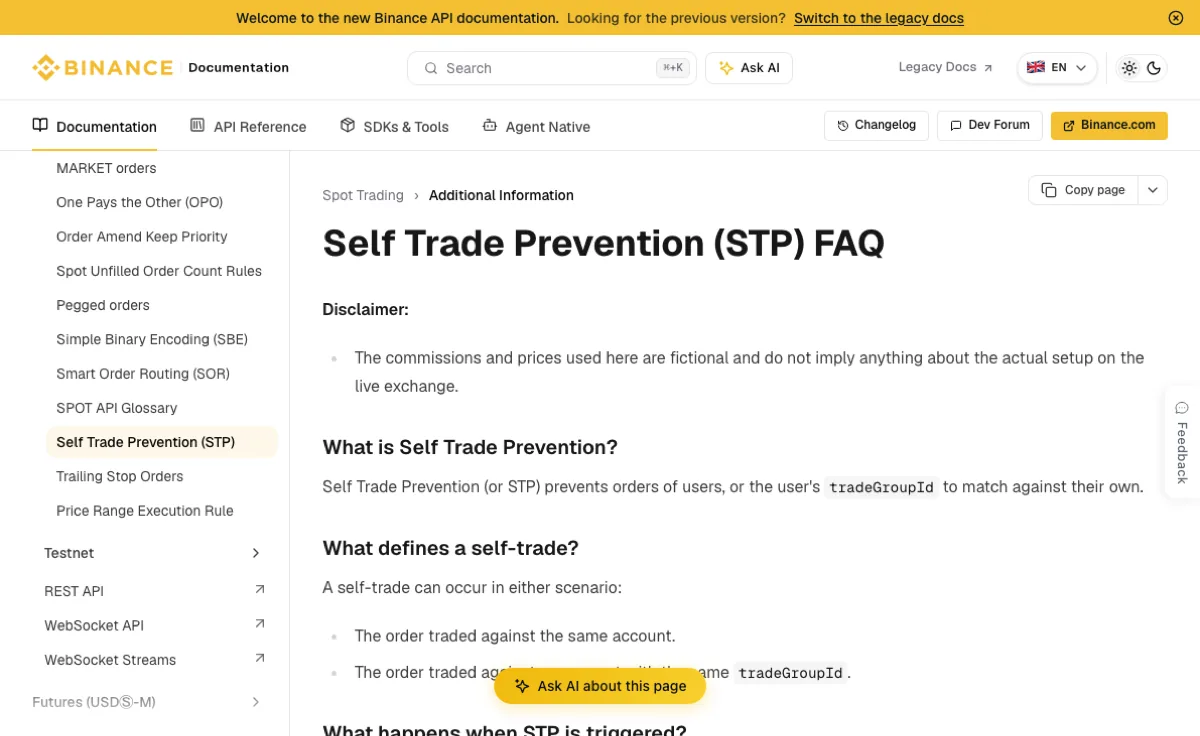
Whether the old order is the one that ends depends on the mode used in that match. Three of the modes expire an order's entire remaining quantity:
- EXPIRE_MAKER: the order already resting on the book, waiting to be filled (the maker), has its remaining quantity expired immediately.
- EXPIRE_TAKER: the incoming order that would have taken liquidity (the taker) has its remainder expired instead.
- EXPIRE_BOTH: both orders lose their remaining quantity.
In October 2026, the public trading rules for BTCUSDT listed EXPIRE_MAKER as the pair's defaultSelfTradePreventionMode. The allowedSelfTradePreventionModes list also included DECREMENT and TRANSFER, which do not simply expire the old order, so not every STP case means “the whole remainder is gone”. To look up another pair, replace BTCUSDT in the link with its symbol and find those two fields.
Binance announced the default on 11 October 2023 in its STP launch post, which also says API users can send the selfTradePreventionMode parameter to pick another mode. The two examples below assume that default. If you trade through the API or a bot, check what value was actually sent. For the three expiry modes above, the FAQ says the outcome is “typically determined by the STP mode of the taker order only”, meaning the newer, incoming order.
Two examples: your own buy and sell orders meet
Example 1: suppose you have a limit order on AAA/USDT to sell 10 AAA at 1.20, and it is first in the queue at the lowest ask on the book. You change your mind and place a market buy, or a limit buy priced at 1.20 or higher. The first order your buy reaches is your own sell. That sell order's remaining 10 AAA expire in full, not just the part that would have overlapped with the buy.
The new buy does not stop there. It keeps matching against other people's orders, and whatever is left rests on the book only if its order type and time in force allow resting, as a GTC limit order does. A market order, or one marked IOC or FOK, does not turn into an ordinary resting order just because it skipped your old one.
Example 2: suppose you have a limit buy for 50 AAA at 0.95 sitting at the top of the bid side, and then you market-sell some other AAA you hold. The sell meets your own buy first, so the buy expires and the USDT it was holding goes back to your available balance.
A matching price is not enough on its own; the two orders have to actually reach each other in matching. If other traders' orders fill your new order completely first, it never gets to your old one. If the old order's price is outside what the new order can trade at, the two never touch and STP is not triggered.
What happens to earlier fills and locked funds
All three expiry modes are described as expiring the order's remaining quantity. So take an old order that was already partly filled: say it was placed for 10 AAA and 3 AAA have sold. Remaining quantity = 10 − 3 = 7 AAA. The 3 AAA that traded, and the fees on them, stay in your records; under EXPIRE_MAKER it is the remaining 7 AAA that expire.
The blocked portion never traded. It does not appear in your trade history, and no trading fee is charged on it. The funds the resting order had locked (AAA for a sell, USDT for a buy) should return to your available balance once the order has ended. If the order has ended and the available figure still looks wrong, carry on with available versus locked balance on Binance.
How to tell STP from other reasons an order expires
On the Binance website or app, open Spot order history, filter by the pair and the date you placed the order, open the old order's details and find the opposite-side order you placed afterwards. Menu names vary between versions; what you are after is three things:
- Status and reason. Do the details say self-trade prevention? If all you see is “Expired”, that alone cannot separate STP from other causes.
- End time. Compare it with the time the opposite-side order went in. Close timing is a lead, not proof.
- Filled quantity. Separate normal fills from the quantity that was blocked. The part STP stopped is not a fill, and the same matching pass can still include normal fills against other people's orders.
Through the API, this kind of expiry has its own status, EXPIRED_IN_MATCH, distinct from plain EXPIRED. The order response carries a preventedQuantity field with the cumulative quantity expired by STP, and each prevented match can be looked up with GET /api/v3/preventedMatches. If you only use the website or app and the details give no reason, keep both order IDs and the pair and ask Binance support to check, rather than deciding from timing alone.
Other reasons a Binance order shows Expired
STP is only one source of expiry. If those three checks do not line up, go through these:
- Time in force. With IOC, whatever does not fill straight away ends; with FOK, the order fills completely at once or not at all. Either can leave an order marked expired. See what a partially filled order means.
- Price rules. An order can expire if a potential execution price falls outside the permitted execution range. That is different from an order being rejected at submission because its limit price fails a price filter. See Binance limit price out of range.
- Pair paused or delisted. When a pair's status changes, open orders can be ended under its rules. See open orders when a pair is paused or halted.
If you did not place an opposite order by hand, check whether a trading bot did, and whether another account shares your tradeGroupId. “I didn't do anything at the time” does not rule STP out; the expiry reason and any prevented-match record decide it.
Changing your price? Cancel first, then place the new order
If all you want is a different selling price, edit or cancel the sell order. Placing a buy order is a change of direction, not a price change. When you really do want to switch sides, decide first whether the old order should stay. Sending a new opposite order into it under EXPIRE_MAKER ends the old order's entire remainder, which may not be what you meant.
The safer order of steps: cancel the old order under Open Orders, wait until order history shows it as Canceled and the locked funds are back in your available balance, then place the new order. A fill can still land after you send the cancel, so work out the new order's size from the final status and filled quantity, not from what you expected.
If STP has already fired, check two things before doing anything else: whether the old order's remainder ended, and whether the new order filled, is still open, or ended too. That keeps you from placing the same trade twice. Note both order IDs; for the full sequence of checking a trade's records, see your first Binance Spot trade, explained.