After a trade
Why did a completed Spot buy add less crypto than expected?
Start with the trade record. The fee asset tells you whether to subtract the fee from the crypto you bought or check a different balance.
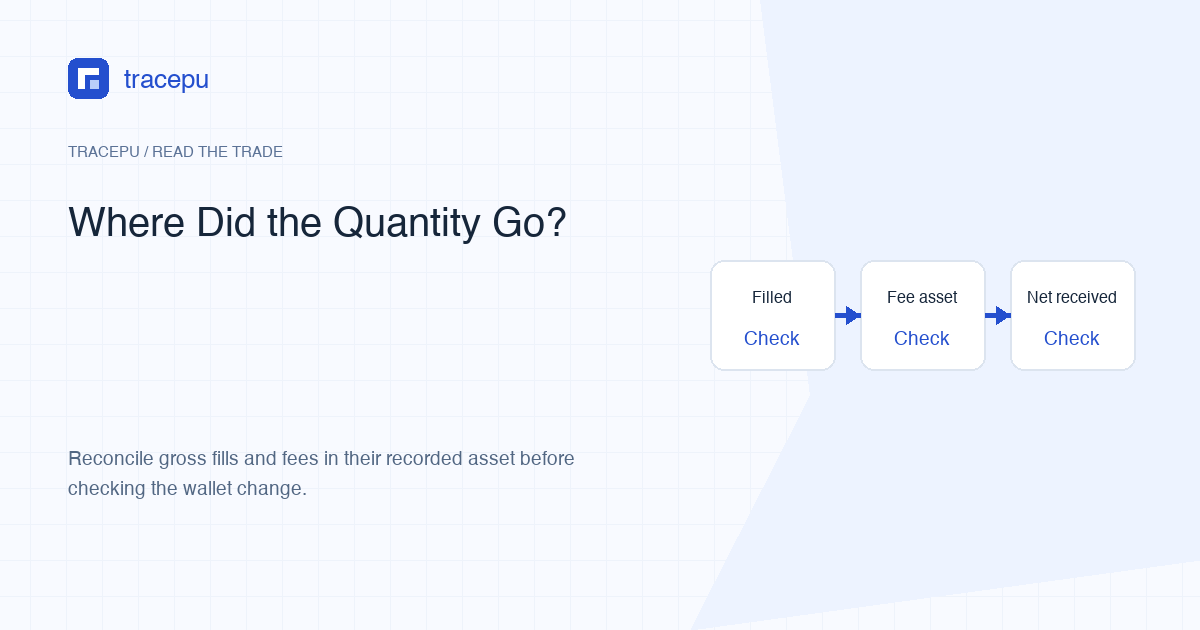
A completed Binance Spot buy can add less of the bought asset to your wallet than the gross filled quantity shows. The first place to look is the fill's fee amount and fee asset. This page does not diagnose a missing deposit, delayed withdrawal, P2P payment, or Convert transaction.
Gross filled quantity is how much of the base asset the trades bought. Net received quantity is the balance increase after any fee deducted in that same asset. They can be equal, but they do not have to be.
Collect four pieces of the trade before calculating
Open the Spot trade details or Trade History for the order. For each fill, keep these fields together:
- filled quantity and its asset;
- execution price;
- commission amount;
- commission asset.
The last field is the key. Binance's Spot glossary defines commission as the fee paid on a trade and commissionAsset as the asset from which that fee was deducted. A number without its asset is incomplete evidence. On an ordinary buy, the relevant record may name the bought asset or BNB; a sell record can instead name the quote asset received.
If one order has several fills, record the fee for every fill. Do not assume the summary fee belongs to only the first line, and do not subtract the same total once per line.
Case 1: the fee is charged in the asset you bought
For a buy on ABC/USDT, ABC is the base asset being bought. If the fill record says 10 ABC filled and the commission is 0.01 ABC, the simplest reconciliation is:
Reconciliation example: 10 ABC gross filled − 0.01 ABC fee = 9.99 ABC net added. The asset and numbers are invented; they are not a live fee rate or a personal transaction.
In this case, “I bought 10 but received 9.99” may describe the same successful trade in two valid ways. The execution record reports the gross trading quantity. The wallet change reflects what remained after a fee paid in ABC.
For multiple fills, add all ABC quantities, add only the commissions recorded in ABC, and subtract those ABC fees from the gross ABC total. Fees recorded in another asset do not belong in that subtraction.
Case 2: the fee is charged in BNB or another asset
If the commission asset is BNB, a completed buy may add the full gross ABC quantity while reducing the BNB balance. That does not mean the trade was fee-free. The cost appears in a different wallet line.
Binance's current commission documentation describes discounts as depending on whether the feature is enabled for the account and symbol and whether there is sufficient BNB balance. Its displayed rates and calculation numbers are explicitly fictional. For your trade, use the actual commission and commissionAsset rather than copying a documentation example or today's fee table.
The setting shown in your account is useful context, but it is not the final record of what happened. If BNB was insufficient, a promotion did not apply, or the relevant conditions differed, the actual fee asset may not match your expectation. Let each fill's record settle the question.
If the fee is in the quote asset, confirm the trade side
Binance's ordinary commission example says the fee is calculated from the amount received: for a buy, the received amount is the bought base-asset quantity; for a sell, it is the quote-asset notional. When BNB is not used, that points to a base-asset deduction on the buy covered by this article, not a USDT deduction.
If a row for ABC/USDT records a fee in USDT, first confirm that it belongs to the same completed buy. It may be a sell fill, a different transaction, or a record from another product. Preserve what the actual record says, but do not assume this USDT fee explains the amount of ABC received from that buy.
This remains a unit discipline problem. The expression “amount received” is ambiguous unless the trade side and asset are named. A buy brings in the base asset and spends the quote asset; a sell brings in the quote asset. BNB fee payment can add a third balance line.
| Recorded fee asset | First balance to inspect | Useful comparison |
|---|---|---|
| Bought base asset | Base asset | Gross fills minus same-asset fees |
| Quote asset | Confirm the trade side first | For a sell, quote amount received and quote-asset fee |
| BNB or another asset | That fee asset | Recorded fee against its balance change |
Differences that are not explained by the trading fee
A fee is only one possible reason two displayed numbers differ. Check the labels before subtracting anything:
- Ordered quantity versus executed quantity: an order may be partially filled. Unfilled quantity was never bought.
- Estimated quantity versus filled quantity: a market buy entered as quote spend can execute across several prices.
- Displayed rounding: a wallet card may show fewer decimals than the detailed record.
- Available versus total balance: some quantity may be locked in another open order or service.
- Other account activity: a transfer, separate trade, or fee near the same time can change the balance.
If the order is only partially filled, use executed quantity, not original order quantity, as the gross starting point. If it contains several fills, total the actual lines before comparing them with the wallet. The guide to grouping multiple fills shows how to keep those rows tied to one order.
Reconcile a multi-fill buy without mixing units
Create one small table with a row for each fill. Keep quantity, fee amount, and fee asset in separate columns. Then follow this order:
- Add the base-asset fill quantities to get gross executed quantity.
- Group commissions by asset; do not convert them all into one unit yet.
- Subtract base-asset commission from the gross base quantity.
- Compare the result with the base-asset balance change over the matching time range.
- Check quote-asset and BNB commissions against their own balances.
- If a difference remains, look for partial fills, other activity, time-zone mismatch, or a filtered-out record.
Preserve the raw export or screenshots before building this table. A hand-made summary is useful for arithmetic, but it should remain traceable to the platform record.
Use the historical trade, not a current headline rate
Fee schedules, volume tiers, symbol promotions, regional conditions, and account discounts can change. A current public percentage cannot reconstruct a past trade reliably. It may also omit special or tax commission dimensions that apply in a particular context.
The strongest historical evidence is the commission value and asset recorded with each fill. If those fields are unavailable in the view you opened, try the detailed Spot trade record or a relevant export. Do not invent a missing rate to force the balance to match.
Close the case or keep digging
If gross fills minus same-asset fees equals the wallet change, or the fee was taken in BNB and that balance fell by the recorded amount, the difference is explained and there is nothing left to fix. Keep the trade lines with your note in case the same question comes back later.
If a quantity or fee is still unverified, save the order details, trade lines, matching balance activity, and time zone before asking for help. Mark the missing field or unexplained difference explicitly so support can check the same order and time range.