After a trade
One Spot order, several fills: how to calculate the average price
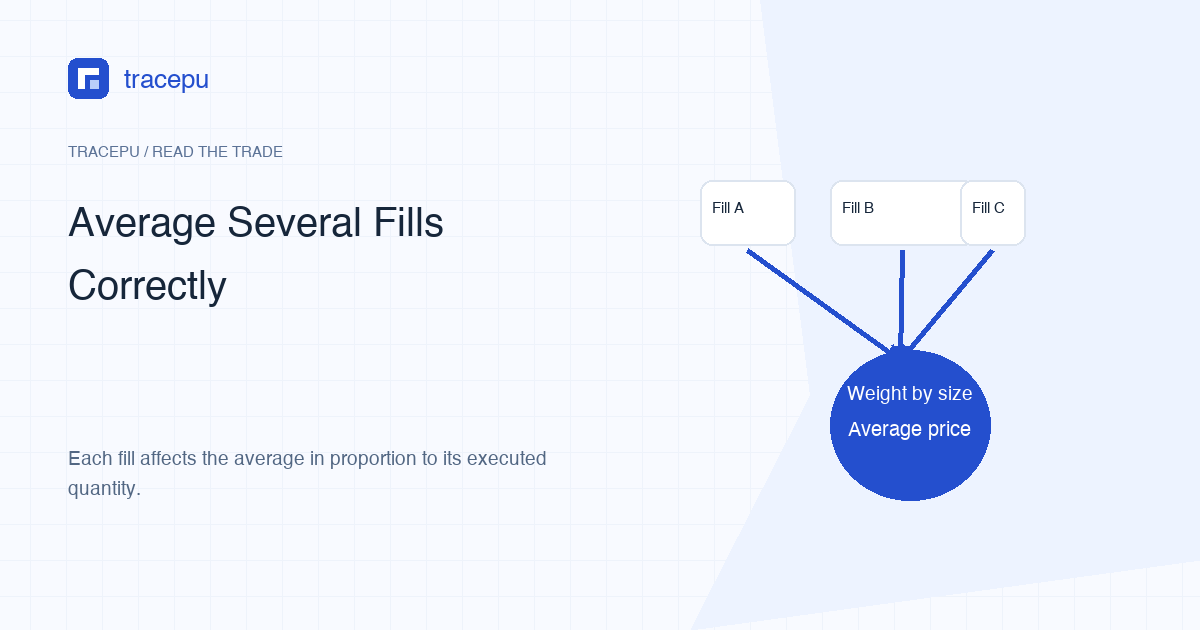
Multiply each fill price by its quantity, add the quote amounts, then divide by the total quantity that actually filled.
For one Binance Spot order with several fills, the average execution price is:
Average execution price = total quote amount across the fills ÷ total base-asset quantity filled.
In expanded form, multiply every fill price by its fill quantity, add those products, and divide by the sum of the quantities. Do not simply average the listed prices unless every fill has exactly the same quantity.
Calculate a two-price teaching example
Suppose an invented ABC/USDT buy has two fills:
| Fill | Price | Quantity | Price × quantity |
|---|---|---|---|
| 1 | 10 USDT per ABC | 4 ABC | 40 USDT |
| 2 | 12 USDT per ABC | 6 ABC | 72 USDT |
Total quote amount is 40 + 72 = 112 USDT. Total filled quantity is 4 + 6 = 10 ABC. The average execution price is 112 ÷ 10 = 11.2 USDT per ABC.
The simple average of the two prices is 11, which is wrong here because more ABC filled at 12 than at 10. Each fill influences the answer according to its share of total quantity.
First prove that the rows belong to the same order
Arithmetic cannot repair a bad selection. Filter the records by Spot market, exact symbol, buy or sell side, and a common order identifier when the record provides one. Binance's Spot glossary defines orderId as identifying an order on a symbol and executedQty as the amount filled.
Do not group rows only because their timestamps are close. Two separate orders can execute within the same second. Likewise, an order can remain open and collect fills over a longer interval. Time is a cross-check, not always the grouping key.
If an export does not contain a common identifier, keep the uncertainty visible. You can compare symbol, direction, quantity, status, and time, but label the grouping as unresolved rather than forcing a neat total.
Prefer recorded quote amounts when they are available
A trade record may provide price, base quantity, and quote quantity. Binance defines quoteQty as price multiplied by quantity and cummulativeQuoteQty as the sum of price × quantity across an order's fills. Field names and detail level can differ between the API, page, and CSV export.
If the platform supplies quote amount per fill, add those recorded values. This can preserve the exchange's stored precision better than recalculating from rounded display columns. If only price and quantity are available, multiply them using their original exported precision, not shortened values copied from a wallet card.
Do not combine a per-fill quote total with a separately rounded order summary and expect every final decimal to match. Record which source and precision you used so another calculation can reproduce the result.
Set up the spreadsheet so the units remain visible
Put price in one column, filled quantity in a second, and quote amount in a third. If prices are in B2:B3 and quantities in C2:C3, a general weighted-average formula is:
The same calculation in a spreadsheet: =SUMPRODUCT(B2:B3,C2:C3)/SUM(C2:C3)
Microsoft's weighted-average guidance uses the same SUMPRODUCT divided by the sum of the weights approach. Here, price is the value and fill quantity is the weight.
Keep the raw CSV unchanged and do the calculation in a copy. Add columns rather than overwriting exported price, quantity, or identifier fields. This makes it possible to compare your result with the original record if a formula range is wrong.
A canceled remainder does not belong in the denominator
Suppose the original order requested 20 ABC but only 10 ABC filled before the remainder was canceled. The average execution price describes those 10 executed units. Dividing the quote amount by 20 would assign a price to 10 units that never traded.
The same applies while an order remains partially filled. You can calculate a provisional average from the fills so far, but label it with the cutoff time. Later fills can change the total quantity and the average. Once the order reaches a final state, save the final detail or export.
This is why the order summary and fill rows serve different purposes. The order record shows the original instruction and final status. The fills show the executions that carry prices.
Use checks that are mathematically valid
- The weighted average must lie between the lowest and highest included fill prices.
- Each fill's influence depends on its quantity as a share of total filled quantity.
- Adding a fill above the previous average must move the new average upward; adding one below it must move the average downward.
- If there are at least two fills and deleting one still leaves a calculable set, removing a fill priced above the old average should move the new average down; removing one below the old average should move it up.
- Total quantity must equal the sum of the selected fill quantities, not the requested order quantity.
A result outside the observed price range is a strong sign of mixed units, a wrong formula range, or incorrectly grouped rows. An average being closer to one price than another is not, by itself, a valid error test: several quantities and prices can combine in less intuitive ways.
Average execution price is not fee-inclusive cost
When checking an order's execution average, keep trading fees in separate columns. A fee can be charged in the bought base asset, the quote asset, BNB, or another applicable asset. Adding a BNB amount directly to a USDT quote total mixes units.
You can calculate a different, fee-inclusive measure, but name it first. “Total quote spent” and “quote cost per net base unit received” are not the same when the fee is deducted from the base asset. They may require an explicit conversion if the fee uses a third asset, and that conversion needs a stated price and time.
For the initial reconciliation, report three items separately: weighted execution price, fee amount by asset, and net quantity received. The received quantity guide explains that last step.
One order's average is not your portfolio cost basis
A Spot order average answers: “At what quantity-weighted price did these selected fills execute?” Portfolio cost basis can involve older purchases, sales, transfers, fees, and a chosen accounting method. Tax rules also depend on jurisdiction. This page does not turn one order's average into a tax figure.
It is also different from Binance's market average-price data, a chart average, or the current last price. Those use other time ranges and datasets. The original limit price is a condition on execution, not necessarily the final weighted average; a limit order can execute at its limit or a better price.
Leave a short trail for future checking
Save the original trade export, a calculation copy, the order identifier, the selected time zone, and a note describing the formula. If the page shows only one aggregated row, do not claim that the matching engine produced only one fill. Record the finest detail the current interface or export actually provides.
What comes next depends on why you needed the average. To judge how a limit order executed, compare the result with your limit price. For fees, net quantity, or tax, continue with the received-quantity check or your own cost-basis records rather than reusing this figure. If the selected rows cannot be tied to a single order, stop and record the grouping as unresolved instead of reporting a tidy average.